
check a song's timing
a quick listen is usually enough to catch a word that comes in early or late.
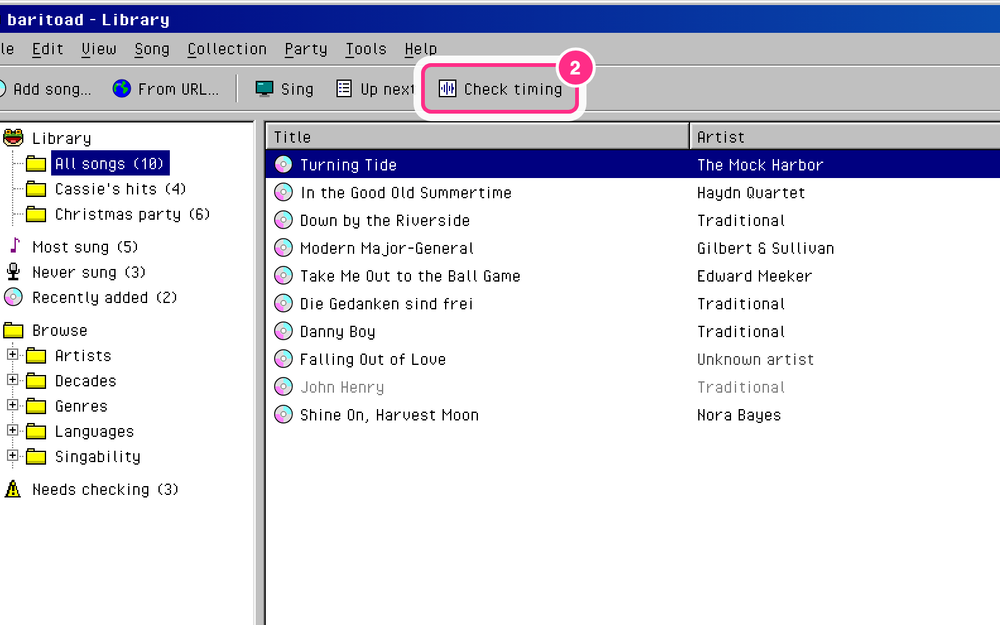
- in the library, select the song.
- select Check timing.
- in the Bench, select a line.
- click into its lane. the song plays from there.
- if a block starts after its word is sung, drag it left. if it starts before, drag it right.
- for a small fix, select the block and press ← or → (Nudge earlier or Nudge later).
- listen again, and fix the next line the same way.
- select Save (Ctrl+S, or ⌘S on a Mac).
you see Saved, and the song no longer waits under Needs checking.
